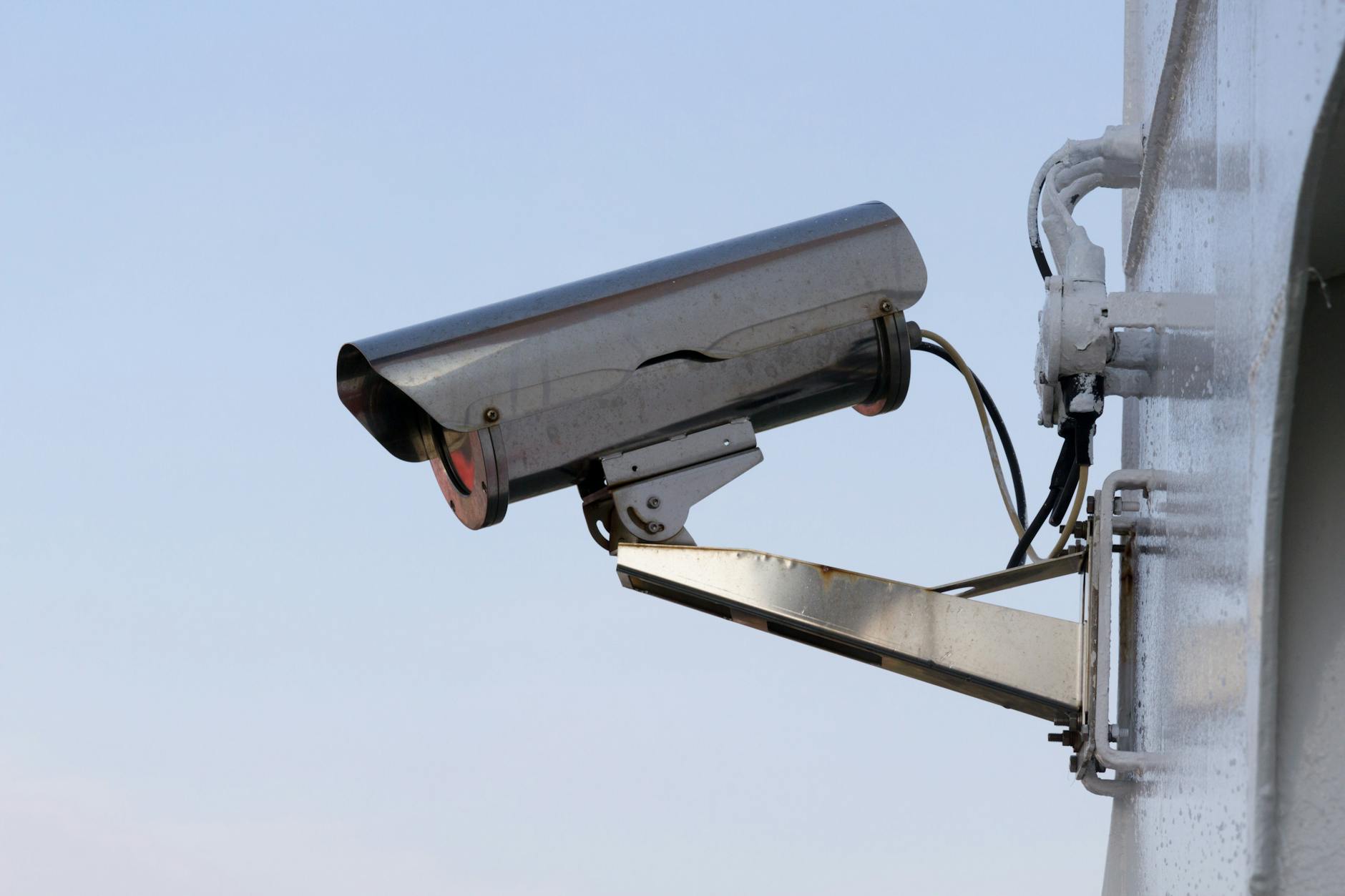
If a camera can monitor the inside of your Airbnb, remove it from the guest space before the next stay. The current Airbnb camera rules prohibit indoor security cameras and recording devices in home listings, even when a device is turned off or disconnected.
Exterior cameras and noise decibel monitors can still be useful. But placement, disclosure, and network security matter. A doorbell camera aimed at the driveway is a very different thing from one that sees through a glass entry into the living room.
This guide explains Airbnb's platform policy as of September 2026. It is not a substitute for Colorado law, city rules, an HOA restriction, or the terms of another booking platform. Check each set of rules that applies to the property.
What the Airbnb camera rules ban indoors
Airbnb's recording-device policy says hosts cannot have a security camera or recording device monitoring any part of a home's interior. Its examples include hallways, bedrooms, bathrooms, living rooms, and guest houses. The rule also covers common and shared areas in private-room listings.
Turning a camera off does not make it compliant. Neither does disconnecting it or mentioning it in the listing. Airbnb defines recording devices broadly enough to include products that record or transmit video, images, or audio, such as baby monitors and doorbell cameras.
The global indoor-camera restriction took effect on April 30, 2024. Airbnb says reported violations are investigated and enforcement can include removal of a listing or account. That makes an old indoor device a real operational risk, even if it was installed before the policy changed.
Where an exterior Airbnb camera can point
Airbnb permits disclosed exterior cameras. Common uses include a front door, driveway, side gate, or parking area. The camera cannot monitor an indoor space, and it cannot cover an outdoor area where a guest has a greater expectation of privacy. Airbnb specifically names enclosed outdoor showers and saunas.
Frame the view before you mount anything. A wide-angle doorbell on a narrow porch may capture a neighbor's window, an indoor entry through glass, or more of a private patio than you intended. Set privacy masks where the system supports them, limit the field of view to the actual security purpose, and review both daytime and infrared nighttime images.
Then disclose every exterior camera under your control. On Airbnb's current desktop path, open the listing, choose Your space, then Guest safety and Safety devices. Mark that an exterior camera is present and describe each device, its location, and whether it will be on or off. A sentence buried in house rules is not a replacement for the platform's disclosure field.
If you are deciding between a doorbell camera and a wider perimeter system, our home security camera page explains local and cloud recording, alerts, and placement tradeoffs.
Noise monitors follow a different Airbnb rule
A noise decibel monitor measures sound level and duration without recording audio. Airbnb allows these devices inside common spaces when they are disclosed. They cannot be placed in a bedroom, bathroom, or sleeping area, and they cannot record or transmit conversations.
That distinction matters. If the real concern is an unauthorized party, a properly configured decibel monitor can flag sustained volume without filming guests. Choose a product whose documentation clearly states what it measures and stores. Set a threshold that catches ongoing disturbance rather than a dropped pan, and write a calm response plan before the first alert arrives.
Other smart-home devices, including connected thermostats and voice assistants, are allowed under Airbnb's policy. Airbnb encourages hosts to disclose them and give guests the option to unplug or disable them. Think carefully before placing a voice-enabled device in a rental. Convenience is not worth making a guest wonder whether the room is listening.
Secure the network under your rental cameras
An exterior camera is still a small computer connected to your property. The Federal Trade Commission recommends keeping camera software current, using a strong password that has not been used elsewhere, enabling two-factor authentication when available, and securing the router with current software and WPA2 or WPA3 encryption.
The FTC also recommends considering a separate network for cameras. In a rental, that separation is especially useful. Guests need internet access, but their phones, laptops, and streaming devices do not need a path to the cameras, recorder, lock, or thermostat. Put guest devices on a guest network and keep property devices on a separate network when the router supports real isolation.
Test remote viewing from cellular service, not just while your phone is on the property's Wi-Fi. Confirm recording continues after an internet interruption if local footage is part of your plan. Turn on offline alerts, write down the recovery steps, and make sure a local contact can restart the right device without unplugging the entire network rack.
For a short-term rental, transparency is part of the security system.
A larger internet plan does not create network separation or repair poor coverage. If the driveway camera has a marginal signal, moving the access point or using a wired camera may matter more than buying more bandwidth. Our networking and Wi-Fi service page covers coverage mapping, wired backhaul, and device separation.
Review the listing the way a guest will
Before you publish or reopen dates, run a short audit:
- Remove every indoor camera or recording device that could monitor guest space.
- Open each exterior camera's live view and confirm it cannot see indoors or into a private outdoor area.
- List every exterior camera in Airbnb's Guest safety section with a plain description of its location and status.
- Disclose every noise decibel monitor and confirm it cannot record audio.
- Update firmware, change reused credentials, and enable two-factor authentication where available.
- Check the listing preview so the disclosure appears where a guest can see it before booking.
Do this again after buying the property, changing managers, replacing a doorbell, or taking over accounts from another host. Old equipment and forgotten administrator access are common ways a clean policy turns messy.
Colorado Springs hosts have local rules too
Airbnb's policy is the platform rule, not a local permit. Colorado Springs maintains a separate short-term rental information page for current permit and operating requirements. Review it before applying or renewing, and check any HOA or insurance conditions that govern cameras, exterior changes, noise, or guest use.
A good rental security setup should answer a narrow question: what do you need to know to protect the property without intruding on the people staying there? Usually that means a carefully aimed exterior camera, a disclosed decibel monitor if party risk calls for one, and a network designed so guest access stays separate.
Ready to Get Started?
Questions About Your Smart Home?
We serve Fountain, Colorado Springs, Pueblo, and Southern Colorado. Reach out and we'll talk through your project.
Contact Us